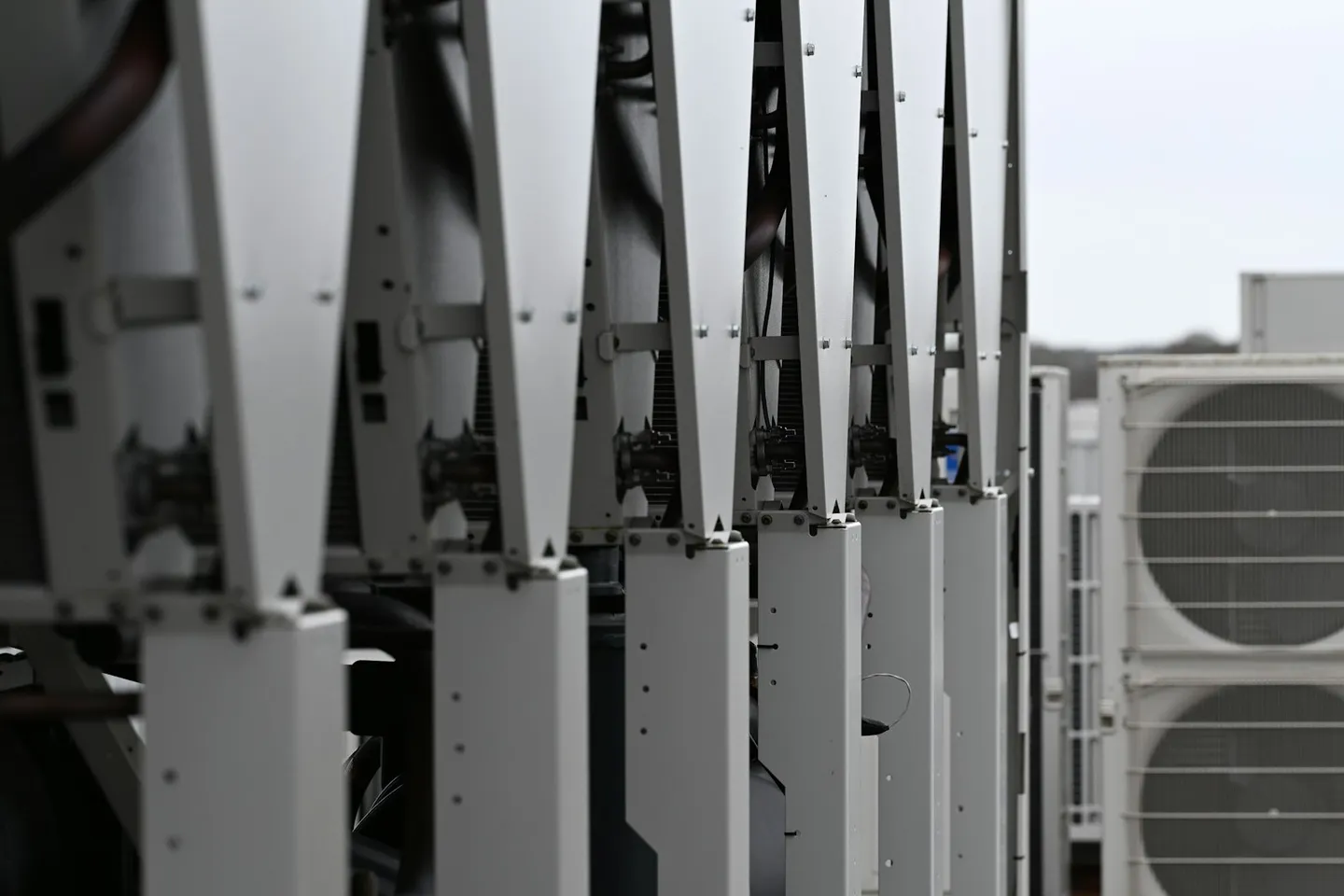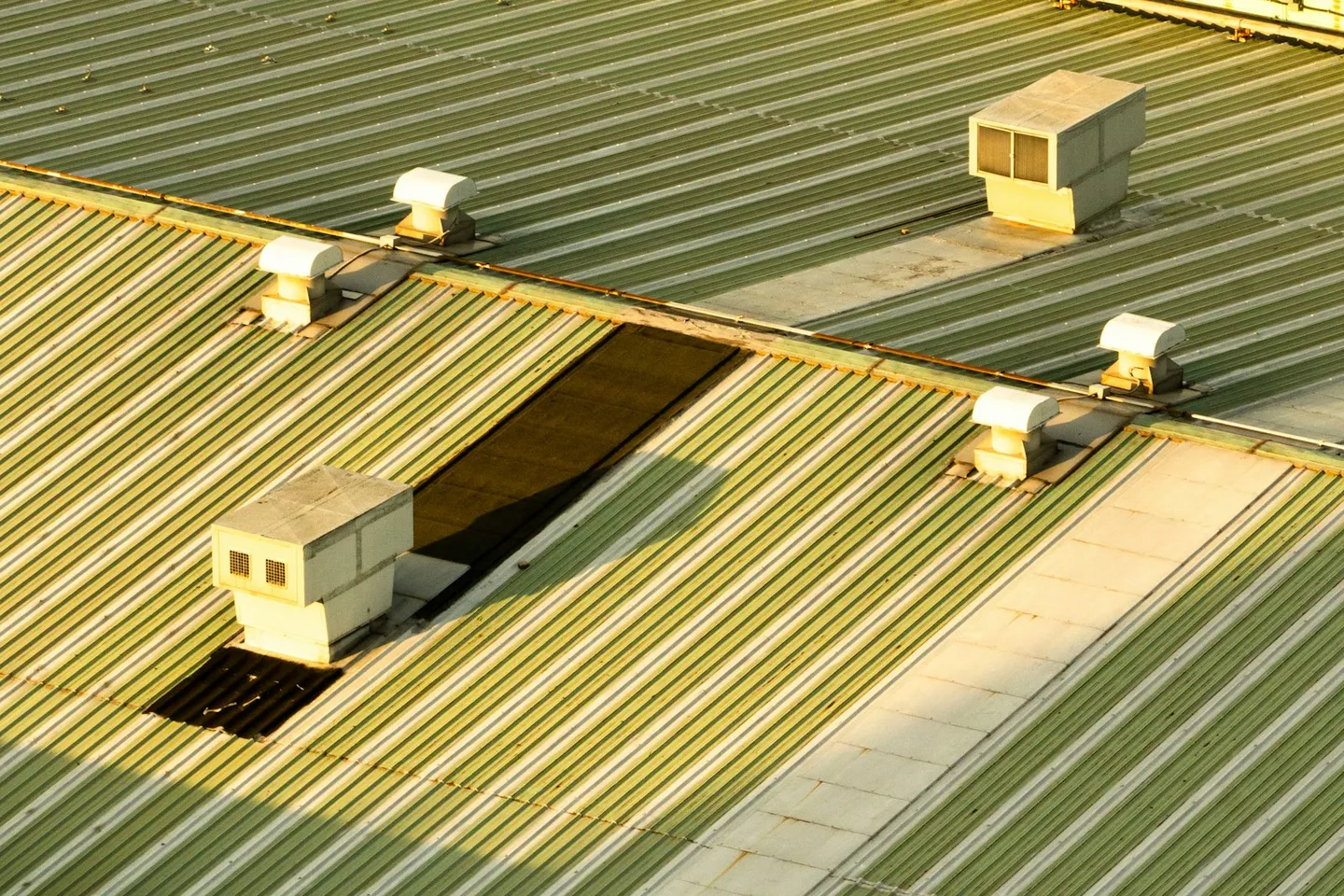
Photo: Rooftop ventilation plant on a commercial building. Photo by Seyjoon Park on Unsplash.
The first weeks on a Dubai office building on Tridium Niagara opened with points connected and anomalies already sitting in a queue. Nobody was staring at a fresh tile board waiting for meaning to appear.
In July 2026 the FrostLogic Edge Agent pulled about 800 data points from the site BMS. Those points were mapped into the building model. Anomaly detection was switched on for cooling and ventilation. Within that early window the operations team had a short list of findings with recommended fixes, ready before the after-hours chart dig.
This is one anonymised customer story for Nordic property and ops buyers who want to know what Sensor Intelligence surfaces on a live Niagara office before anyone asks for a savings slide.
What was connected
The site runs on Niagara / Tridium. Explore did not replace that stack. The Edge Agent connected to the existing station traffic and brought the points Explore needed for cooling and ventilation into one building model.
About 800 data points came across. Mapping mattered as much as the count. A raw Niagara tag that never lands on the right AHU, FCU or zone is noise. Once the points sat on the model, AI anomaly detection could watch cooling and ventilation in context: schedules, setpoints, and how those systems behave against the rest of the building.
No new field hardware was the point of the install. The BMS was already there. Explore read it.
What showed up first
The early queue was short and specific:
- Failed cooling equipment that still looked quiet on a green head-end.
- Overcooled areas where plant was doing more work than the spaces needed.
- Air handling running without operating schedules, so fans and coils kept hours the building did not ask for.
None of those need a novel algorithm to describe. They need a system that ranks them before the weekly walk-through finds them by complaint. Explore prioritised the insights and sent recommended fixes to the operations team. Severity and evidence sat with each item so ops could decide what to chase first.
That is the product habit Nordic teams recognise from Explore elsewhere: a prioritised queue with evidence attached, so the next site visit starts from a decision.
What happened next: permissioned writes
Finding the drift is half the job. On this building the customer also released write scopes for Automation.
Write access starts off. Nothing reaches a BMS point until a scope is granted. Inside those limits Explore wrote to FCUs and the AHU. Writes only where you allow. Outside the released scopes Explore kept reading and ranking; it did not expand write rights on its own.
This is supervisory write-back under a leash, not a work-order system. Explore is Sensor Intelligence with permissioned Automation. It is not a CMMS. Work orders, spares and contractor tickets stay where your team already keeps them.
Why this matters if you are tired of dashboards
A Niagara office already has graphics, trends and alarms. The gap is deciding which of those signals deserves a technician this week. An anonymised Dubai site is a useful proof for Nordic portfolios because the stack is familiar: Niagara stations, cooling-heavy load, ventilation that drifts when schedules rot.
What changed for the ops team was the shape of the work. Instead of opening the head-end and hunting, they opened a queue that already named failed cooling plant, overcooled zones and AHUs without schedules, then chose which write scopes to open for FCUs and the AHU.
If you run similar estates in the Nordics or elsewhere, the question is rarely "can we see the BMS." You already can. The question is whether the first weeks on a new analytics layer produce decisions you can hand to ops.
Talk it through
If you are trying to figure out what a Niagara office would surface in the same window, talk it through. Tell us what you are trying to figure out. Thirty or sixty minutes is enough to walk the pattern. No scripted product tour, and no pressure to book a second meeting.
More anonymised stories will appear in Field Notes as we publish them. For how detection methods work in general, keep the anomaly detection guide open beside this piece.
Frequently asked questions
Which building is this customer story about? A Dubai office building on Tridium Niagara. The customer company, building name and contacts stay anonymous on purpose. The facts below are what we can publish.
How many BMS points did Explore connect? About 800 data points through the FrostLogic Edge Agent in July 2026. They were mapped to the building model so cooling and ventilation anomalies had equipment context.
What did Explore find in the first weeks? Failed cooling equipment, overcooled areas, and air handling running without operating schedules. Those insights were prioritised with recommended fixes for the operations team.
Did Explore write to the BMS? Yes, inside permissioned scopes. Write access starts off. On this site Explore wrote to FCUs and the AHU within the write limits the customer released. Writes only where you allow.
Is Explore a CMMS? No. Explore ranks findings and can run permissioned Automation against the BMS. It does not replace maintenance management, work orders or contractor workflows.
Can we run the same pattern on a Nordic Niagara office? The stack is the same class of problem: an existing BMS, cooling and ventilation load, and an ops team that needs a queue. Talk it through and we will map it to the buildings you already run.
FrostLogic Explore brings sensor intelligence, scenario simulation, and grounded-inference AI to commercial and industrial buildings. Learn more about Sensor Intelligence or talk it through with us.
Curious how this would look on your building?
What's your building not telling you?
Tell us what you're trying to figure out: energy drift, a BMS you don't trust, compliance you're chasing. We listen first, then tell you straight whether Explore helps. 30 or 60 minutes, your pick. No commitment either way.