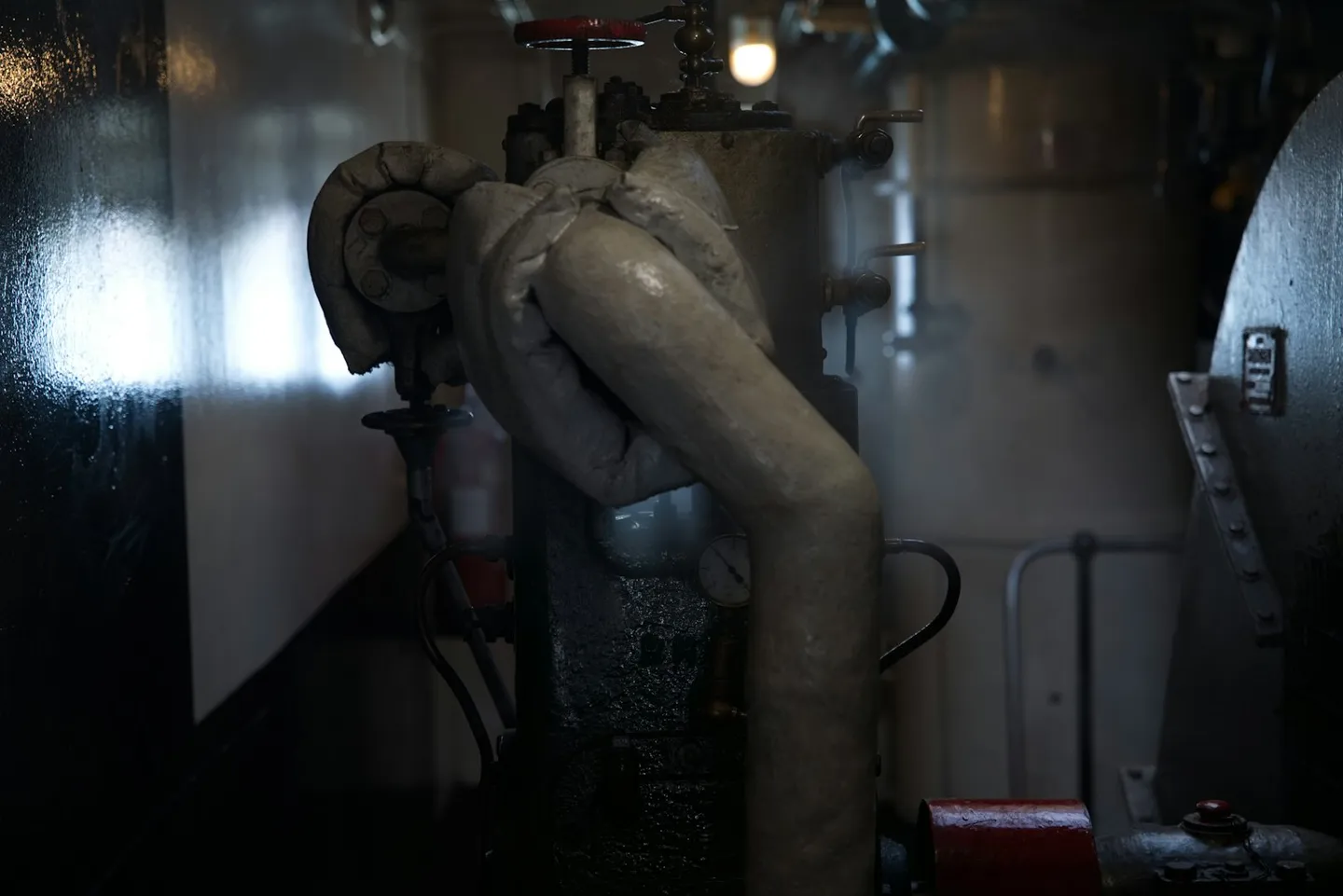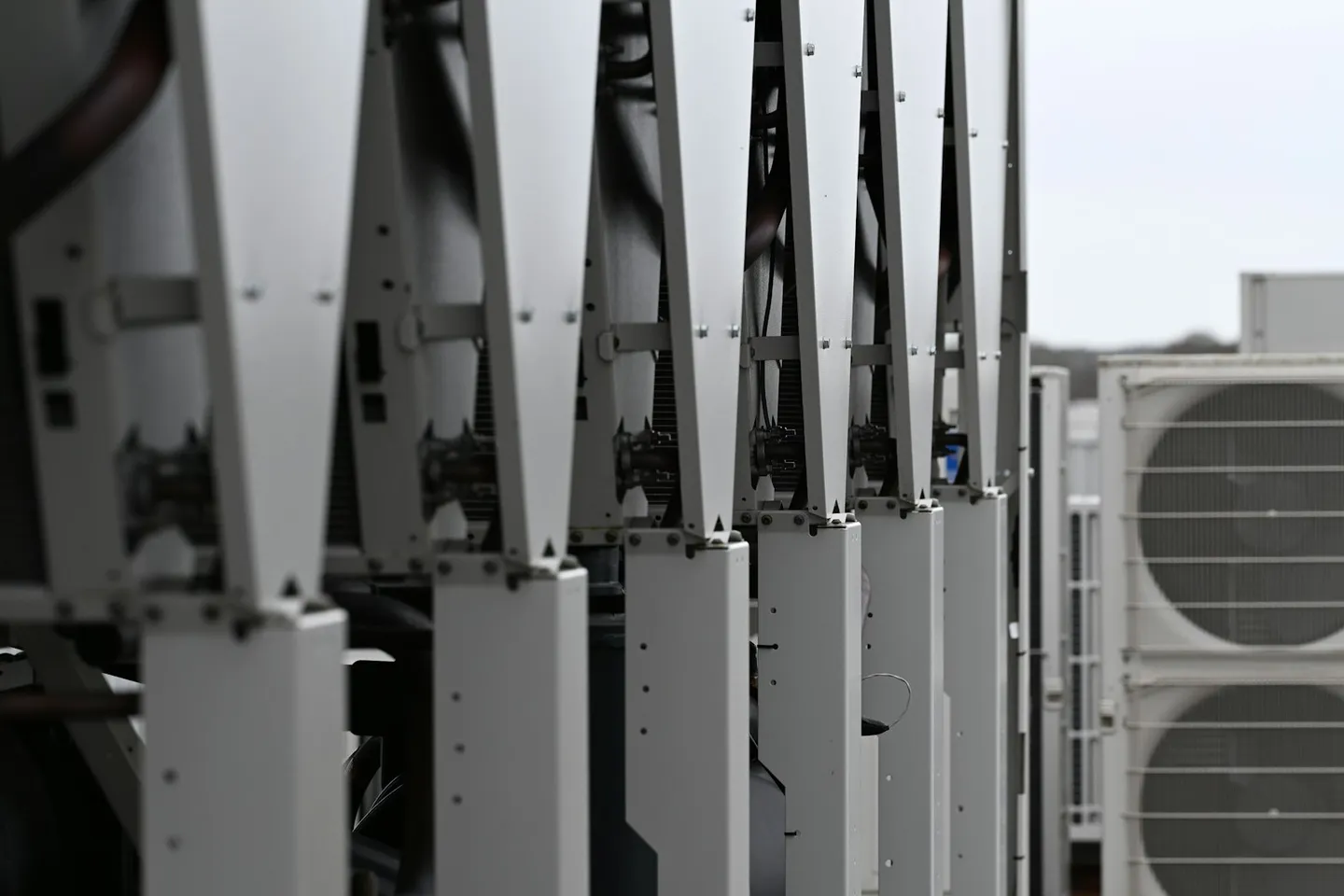
Photo: Rooftop HVAC plant on a commercial building. Photo by Carl Wragg on Unsplash.
In a commercial building the HVAC building management system is the real-time control layer for heating, cooling and ventilation. It holds setpoints, runs schedules, sequences plant, drives dampers and valves, and raises alarms when a point goes out of range. That is the job a BMS is designed for. A green graphic on the head-end does not prove the sensor is accurate, that air or water is actually flowing, that a valve stroked fully, or that the space reached the condition the strategy intended.
This article owns that HVAC-BMS slice: what the system commands, what a point on the screen does not prove, and where an analytics layer that reads the same points and ranks actions fits. For the system-level definition see the BMS glossary entry. For commercial BMS software and the ranked queue, see BMS analytics in FrostLogic Explore. Explore is Sensor Intelligence, powered by Frostdynamics™. It does not replace the control strategy, and it is not a CMMS.
What an HVAC BMS actually controls in a commercial building
An HVAC BMS (sometimes written HVAC BMS when teams talk shop) is the control stack wired into the building's mechanical plant. Field controllers run local loops. A supervisory head-end coordinates schedules, global setpoints, graphics and alarms. Network protocols carry both status up and commands down.
Typical control scope includes:
- Zone and space conditions: temperature, often humidity or CO₂, with occupied and unoccupied modes.
- Airside plant: air-handling units, rooftop units, fans, mixed-air and outdoor-air dampers, filter differential pressure, duct static.
- Zone terminals: variable air volume (VAV) boxes and related reheat.
- Waterside plant: chillers, boilers, heat pumps, pumps, cooling towers, valve positions on coils and loops.
- Schedules and sequencing: start/stop order, lead/lag, economiser enable, night setback, holiday calendars.
- Alarms and interlocks: freeze protection, high static, smoke or fire handoff where the BMS is integrated.
That is a building management system for HVAC in the operational sense: it keeps plant running to strategy. It is closely related to a building automation system (BAS); the labels mostly track region and vendor docs. What it does not do by itself is validate every sensor, compare sites across a portfolio, or rank slow waste that never trips an alarm.
AHU, VAV and plant: where the BMS sits
Think of the plant as layers the BMS already owns.
Air handling. An AHU takes outdoor and return air, conditions it, and supplies the duct. The BMS sequences heating and cooling coils, fan speed, damper positions and economiser logic. Sensors for supply and return temperature, mixed air, filter ΔP and often airflow close the loops. The glossary entry on air handling units covers components and common fault signatures without restating them here.
Zone delivery. VAV boxes meter supply air to each zone. The BMS (or a dedicated VAV controller reporting into it) holds zone temperature, airflow setpoint and measured flow, damper command, and reheat. Comfort complaints often start here even when the AHU graphic looks fine.
Central plant. Chillers, boilers and heat pumps respond to load signals, enabling logic and outdoor conditions. The BMS starts machines, stages capacity and opens isolation valves. Deep chiller economics and staging live in chiller plant optimization; this page only needs the point that plant graphics show commands and statuses, not proof that the building got the tonnage it paid for.
Across those layers the BMS sits as the control authority. Integrators commission points, graphics and schedules so operators can run the building. Analytics plugs in later by reading those same points.
Command vs status vs outcome
Operators live inside three different things that a single "point" often collapses into one colour.
Command is what the strategy wrote: valve 60% open, fan to 45 Hz, zone setpoint 22 °C, chiller enable true.
Status is what the controller or device reports back: valve feedback 58%, VFD running, enable acknowledged, zone temperature 22.1 °C.
Outcome is whether the physics matched intent: did the coil actually exchange heat, did the duct deliver airflow, did the zone settle, did energy move the way the schedule predicted?
A green AHU tile usually means the controller is happy with its loop inputs and outputs. It does not prove the supply temperature sensor is calibrated, that the cooling valve is not stuck partially open while the heating valve fights it, or that measured airflow matches the design. Command and status can agree while outcome is wrong. That gap is why teams add a layer that reasons across points over time instead of trusting one graphic.
Secondary phrases land here for a reason. People search "building management system for HVAC" and "BMS system in HVAC" when they want this distinction: the control system versus proof that HVAC is doing what the strategy claims.
What the BMS cannot see well
A BMS is excellent at real-time control and threshold alarms. It is weak at several problems that cost real money:
Slow drift. A sensor that walks 1.5 °C over six months rarely alarms. Loops compensate. Energy and comfort erode quietly.
Sensor validation. The control loop trusts its inputs. Cross-checks against sibling sensors, meters or expected physics need a second pass.
Simultaneous heat and cool. Fighting valves, wrong economiser enable, or a VAV reheating while the AHU still cools hard show up as elevated energy long before a hard fault.
Cross-meter energy. Submeters and main meters tell you where kWh went. Relating that to specific HVAC sequences and fault modes is analytics work, not a standard graphics pack.
Portfolio comparison. Multi-site estates need the same fault ranked across buildings with different vendors and eras. A single head-end was never built for that.
None of these blind spots mean the BMS failed at its job. They mean control and visibility are different products. When teams want inference from HVAC telemetry (what models can and cannot claim), see HVAC AI. This article stays on the control-versus-visibility gap the BMS leaves open.
Controllers and field devices: a short bridge
The loops above run on DDC controllers, I/O modules, sensors and actuators inside BMS panels. That hardware anatomy (DDC versus supervisory controllers, what sits in a panel, how field devices wire in) is covered in Inside a BMS controller. You do not need to replace that stack to add analytics. You need the points exposed over a standard protocol. Most commercial estates already have enough points for a useful first read; the gap is almost never "we need more controllers."
Where analytics plugs in
FrostLogic Explore reads the points the HVAC BMS already exposes, over BACnet, Modbus, OPC UA or oBIX. It sits above control the way the BMS glossary describes: trend the same telemetry, detect drift and fights, forecast where a point is headed, and return a ranked queue of what to fix. The commercial product path is BMS analytics. Explore does not rewrite your control strategy. Frostdynamics™ grounds findings in plant physics so operators get decisions, not another dashboard wall.
Connection is read-only by default. Write scopes exist through the FrostLogic Edge Agent: you grant them one at a time, with human review or auto-run inside that scope. Nothing moves at a controller until a scope is on. How that leash works is documented under Explore Automation.
Want to see what a ranked HVAC queue looks like on one of your buildings? Talk it through with us, or get your Building Intelligence Score for a free twelve-question read on where the estate is leaking value.
FAQ
What is a BMS system for HVAC? A BMS system for HVAC is the building management system that runs heating, cooling and ventilation in real time: setpoints, schedules, sequencing, dampers, valves and alarms. In commercial buildings it is the control layer operators use to keep plant on strategy. It is not, by itself, an analytics platform that ranks slow faults or validates every sensor.
What does an HVAC BMS control day to day? Zone conditions, AHUs and fans, VAV terminals, chillers and boilers, pumps and valves, time schedules, economiser and lead/lag logic, plus the alarms and interlocks wired into those sequences. Exact point lists vary by design; the pattern is the same.
Is HVAC BMS the same as a building management system for HVAC? Yes. "HVAC BMS", "HVAC building management system" and "building management system for HVAC" name the same control stack focused on mechanical plant. Some markets say BAS for the same hardware.
Does a green BMS graphic prove the HVAC is working? No. Green usually means the controller's command and status look consistent. It does not prove sensor accuracy, actual airflow or water flow, full valve stroke, or that the space reached the intended condition.
Do I need to replace my BMS to add HVAC analytics? No. An analytics layer such as FrostLogic Explore reads existing BACnet, Modbus, OPC UA or oBIX points. Control stays on the BMS. Writes, if you enable them, are scoped separately via the Edge Agent and start off on every install.
Where does Explore fit next to the HVAC BMS? Explore is the Sensor Intelligence layer on top: it ranks drift, fights and waste from the same points the BMS uses to control plant. See BMS analytics in FrostLogic Explore. It is not a CMMS and not a BAS replacement.
FrostLogic Explore brings sensor intelligence, scenario simulation, and grounded-inference AI to commercial and industrial buildings. Learn more about Sensor Intelligence or talk it through with us.
Curious how this would look on your building?
What's your building not telling you?
Tell us what you're trying to figure out: energy drift, a BMS you don't trust, compliance you're chasing. We listen first, then tell you straight whether Explore helps. 30 or 60 minutes, your pick. No commitment either way.