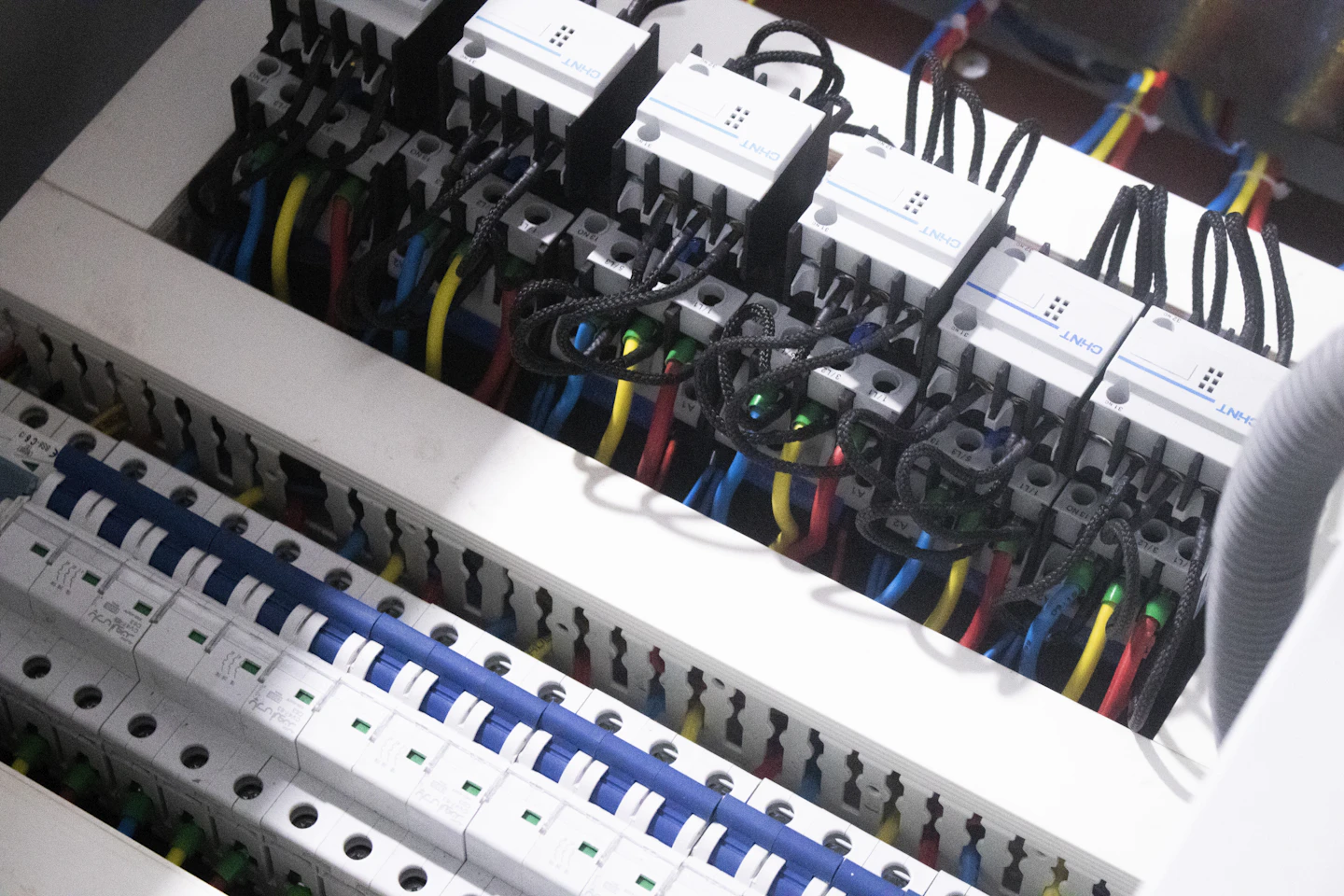
Photo by mostafa mahmoudi on Unsplash.
A proprietary system is one where the parts that matter belong to a single manufacturer. That can be the protocol, the data model, the software or access to service. You can use it, but you cannot freely change it, extend it or hand it to someone else. In building automation that definition is too blunt. Almost every installation contains proprietary parts, yet some buildings end up tied to one vendor and others do not.
This piece separates the layers where a system can be proprietary, shows where vendor lock-in actually comes from, and gives you a checklist to run against your own BMS. It ends with how to use the data from a closed installation without replacing it.
What "proprietary" means in a building
In software, proprietary means the source code and the rights stay with the manufacturer. In a building that applies in three places, and they are worth looking at separately.
Proprietary licence. The supervisory software, the graphics or the engineering tool is licensed. You pay per seat, per point or per year. That is normal and, on its own, is not lock-in.
Proprietary protocol. Controllers talk to each other or to the supervisor over a protocol whose specification only the manufacturer holds. A third-party system cannot simply listen in.
Proprietary engineering and configuration. Control programs, project files, point lists and graphics are created in a tool that only the manufacturer or its certified partners can use. This is where lock-in sits most often, including in installations that run an open protocol.
Proprietary components are normal on their own. The problem starts where you, as the owner or operator, can no longer reach your own data, programs or credentials without one company's permission.
Where vendor lock-in really comes from
Vendor lock-in in building automation rarely comes from the protocol itself. BACnet and Modbus are open standards no matter who supplied the panel. Lock-in builds up elsewhere, and most of it appears on no datasheet.
- Closed engineering tools and licences. If only one partner network owns the software that opens the control programs, no other integrator can take the system over.
- Project files kept by the integrator. The project data sits on the installer's laptop or server, not with you. Anyone who wants to switch starts from zero.
- Trend history you cannot export. The supervisor stores history but only shows it as an on-screen chart, gives you downsampled averages, or gives you nothing.
- Point names only the vendor understands. A point is called
B3_L2_V07_TS, and the key to it lives in one technician's head. - Service contracts. Updates, spare parts or remote access depend on a maintenance contract only one company can sell you.
- Gateways with vendor-only credentials. The open interface exists, but only through a gateway whose passwords the vendor manages.
A building can run an open protocol underneath and still be locked in, because the value of the data sits inside one vendor's software. Our overview of building automation systems covers how the field, automation and management levels split up.
How to spot vendor lock-in: 10 questions for your system
You can answer these without a consultant. Every "no" or "don't know" points to where your dependency sits.
- Do you hold the project data and passwords? Do you have a current copy of the project files, control programs and every administrator login, or only the installer does?
- Can another integrator open the engineering? Is the engineering tool freely available, or limited to one manufacturer's certified partners?
- Is BACnet, Modbus or OPC UA exposed on the controller? Or only through a vendor gateway that needs its own licence or credentials?
- Is there a PICS? The BACnet Protocol Implementation Conformance Statement lists the object types and BIBBs (BACnet Interoperability Building Blocks) a device actually supports. Without it you do not know what a third party can read or write.
- Can you export trends at full resolution? In an open format such as CSV, with timestamp and unit, without averaging to hourly or daily values.
- Are there licence fees per data point? If every extra point on the supervisor costs more, every extension becomes a negotiation with a single supplier.
- Is there a documented points list? With a plain-language description, unit, equipment and location, kept current after every change.
- Do point names follow a documented scheme? One that a technician from another company can read, or an internal convention of the installer?
- Is remote access tied to a contract? Can you reach your system without one particular supplier's maintenance agreement?
- Is there an open interface for other software? A documented API or protocol access that lets a second system read data without the vendor approving each request.
Questions 1, 2 and 5 carry the most weight. If you hold the project data, the engineering access and the trend export, you can unwind almost every other dependency over time.
Open protocols are necessary, not sufficient
Open protocols are what lets a second system read the data at all. Briefly:
- BACnet is the standard for the automation and management levels, with self-describing objects.
- Modbus is simple and everywhere, but exposes only numbered registers with no meaning attached.
- OPC UA comes from industry and brings its own information model.
- MQTT carries readings with little overhead, often from IoT sensors.
- M-Bus is the usual protocol for heat, water and electricity meters.
- oBIX exposes points as web resources, typically on Niagara stations.
The differences are covered in our comparison of BACnet, Modbus and OPC UA and in the glossary entry for BACnet.
An open protocol only guarantees that data can move. It says nothing about whether you own the project files, whether the point names make sense, or whether another integrator may change the control programs. BACnet devices also support different sets of services, and a device can speak BACnet while keeping important values in vendor-specific objects. That is why the PICS question is on the checklist.
Using the data anyway, without rip-and-replace
When owners find their BMS is heavily tied to one vendor, the first thought is often replacement. New controllers, some new wiring, a commissioning period on temporary overrides, and a team learning a new front end. That pays off when the hardware is at end of life or the manufacturer discontinues the platform. For the goal of making better use of the data, it is usually the most expensive route.
The other route keeps the existing BMS and controllers exactly as they are and adds a layer that reads the points over the protocols the system already exposes. Control carries on as before. The layer normalises point names, brings data from different vendors together and analyses it. How that works technically, from point discovery to normalisation, is in our piece on adding an analytics layer to an existing BMS.
The side effect for vendor dependency: the analysis, the history and what you learn about your plant live in a system you run independently of the BMS manufacturer. If you change the supervisor later, that layer stays.
How FrostLogic does it. Explore connects to your existing BMS through the FrostLogic Edge Agent. Supported protocols are BACnet, OPC UA, Modbus, MQTT, M-Bus and oBIX. Supported systems include Siemens Desigo CC, Kieback&Peter, Regin and Bastec, as well as Niagara stations. The data becomes one ranked queue of decisions. Write access starts off. You grant it one scope at a time, and inside each scope you choose whether a change waits for review or runs automatically. Points outside a granted scope stay untouched. The application is hosted in the EU on Hetzner, under GDPR. Nothing in the field is replaced. How it works shows how the pieces fit together.
For sites on Schneider EcoStruxure, a separate piece covers the analytics layer for EcoStruxure.
Contract hygiene for the next tender
Most lock-in is avoided in the specification, before the system is built. These points belong in every building automation tender:
- Open protocol at the automation level. BACnet, Modbus or OPC UA directly on the controller, not only through a vendor gateway. Ask for the PICS with every BACnet device.
- Handover of project files and passwords. Complete project data, control programs and every administrator login go to the owner at handover, and again after every change.
- Exportable trends. Historical data at full resolution, in an open format, with no extra licence.
- A documented points list. Plain-language names following an agreed naming scheme, with unit, equipment and location.
- A disclosed licence model. What is charged per point, per seat or per year, and what happens if you change service partner?
Whether a handover obligation is enforceable under a specific contract is a legal question. Take your own legal advice on it; this piece does not replace that.
FAQ
What is a proprietary system?
A proprietary system is one whose protocol, data model, software or service access belongs to a single manufacturer. You may use it, but you cannot freely change it or hand it to a third party. In building automation this usually concerns the engineering software and configuration, less often the communication protocol.
Is BACnet automatically vendor-neutral?
No. BACnet is an open standard and makes it possible to move data between systems from different manufacturers. Whether you are independent also depends on who holds the project files and passwords, whether another integrator can open the engineering, and which services a device actually supports according to its PICS.
Can I use data from a proprietary BMS without replacing it?
In most cases, yes. Almost every BMS exposes an open protocol such as BACnet, Modbus, OPC UA or oBIX somewhere. An additional analytics layer reads the points through it while the existing control logic keeps running unchanged.
Who owns the project data?
Your contract with the installer decides that. If it does not require handover of project files, control programs and passwords, they often stay with the integrator in practice. For new installations, write the handover into the specification. For a legal view on an existing contract, take legal advice.
What does switching vendor cost?
It depends on what you can take with you. With project data, points lists and exportable trends, changing integrator is mostly onboarding time. Without them, the system has to be surveyed and often reprogrammed, and controllers that only one tool can program may need replacing as well. A vendor-independent analytics layer lets you use the data before you make that decision.
Next step
Our BMS integrations page lists the systems Explore supports and the ways it connects. If you want to know what the data from your own site holds, we will check one building for free: Check one building.
FrostLogic Explore brings sensor intelligence, scenario simulation, and grounded-inference AI to commercial and industrial buildings. Learn more about Sensor Intelligence or talk it through with us.
Curious how this would look on your building?
What's your building not telling you?
Twelve questions about your building. About two minutes. Free. You get a Building Intelligence Score. No pitch.