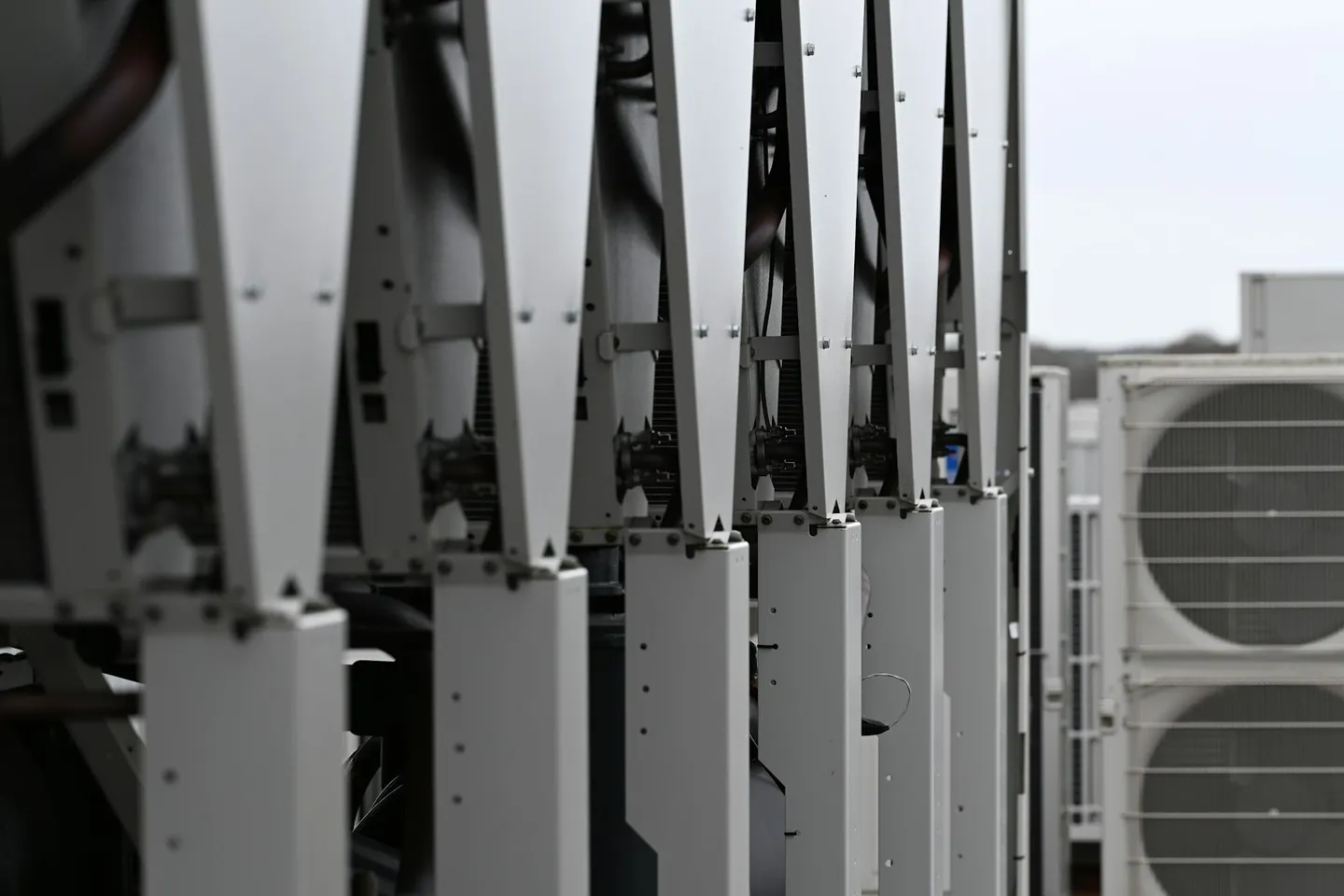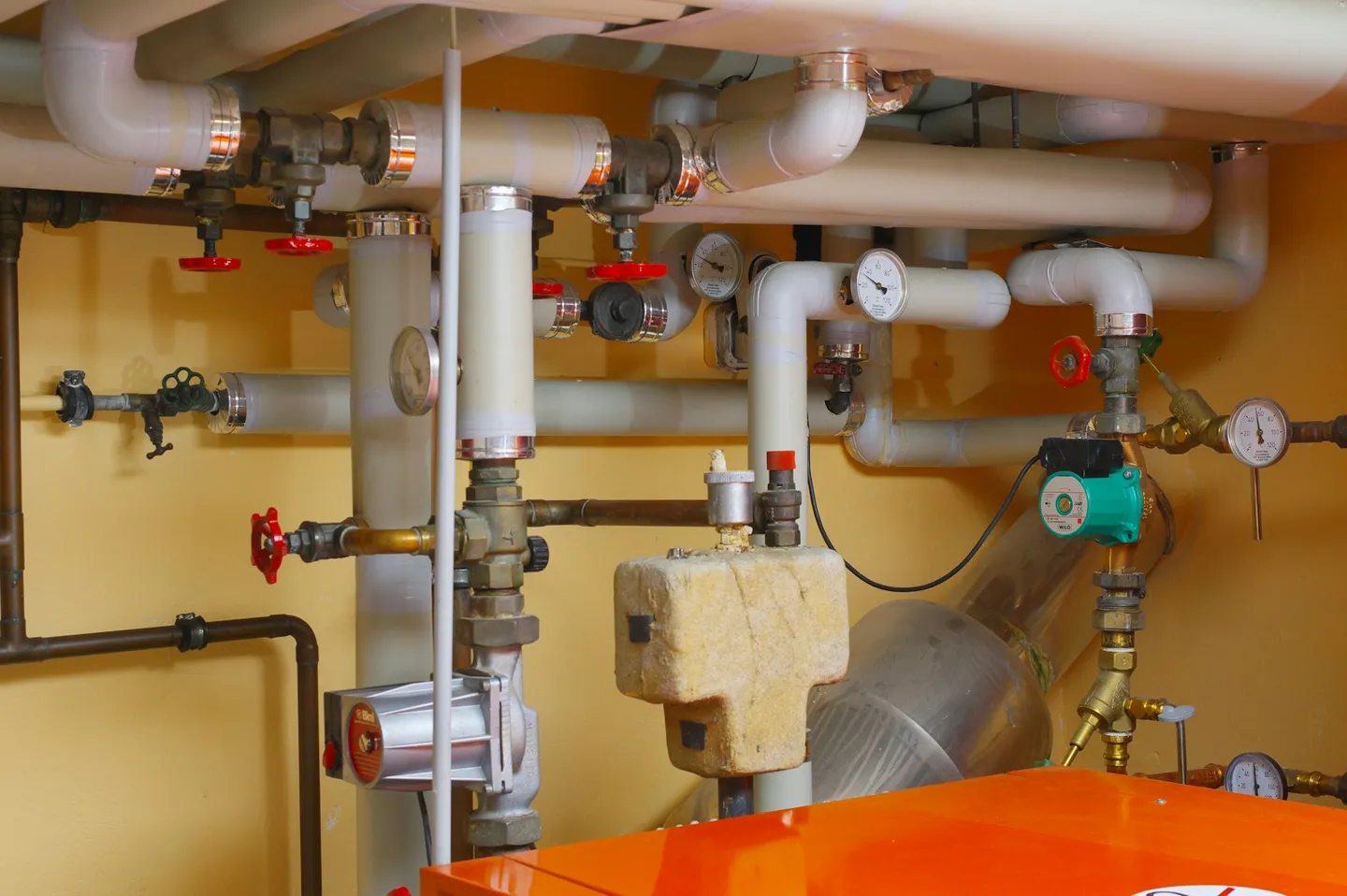
Photo by Immo Wegmann on Unsplash.
Honeywell Trend Controls runs a large share of UK commercial estates: IQ4 and IQ5 controllers in the plant, often under an IQVISION supervisor that already trends points and histories. That stack is good at control. It was never built to tell a facilities team which of ten thousand Trend points matters this week, or to rank a sticking valve in one building against a drifting chiller three sites away. That gap is why estates add an analytics layer on top of Trend BMS data, and it is worth being precise about what that layer should and should not do. Our Honeywell Trend integration page covers the connection itself; this article is about the reasoning for adding the layer without rewriting the Trend strategy.
What Trend IQ exposes, and where it stops
IQ4 and IQ5 controllers hold setpoints, run sequences, and raise alarms as commissioned. IQVISION sits above them as the supervisor for many UK estates: point browsers, trend logs, and the day-to-day operator UI. Through BACnet/IP, those controllers and the supervisor expose points and histories that an external system can read without changing how the building is controlled.
That exposure is the useful edge. Trend BMS analytics, as most estates actually run it, still means opening a supervisor screen or exporting trend logs after something has already failed. IQVISION's own tools (and, where present, Niagara Analytics sitting on an IQVISION stack that is Niagara 4–based) are real products for what they were designed for: supervisory visibility and, in some cases, station-level or wire-sheet analytics. They were not designed to normalise a mixed portfolio into one cost-ranked queue across every site.
None of that is a failing of Trend. A BMS is built to run one building correctly. Cross-site prioritisation and physics- grounded detection sit outside that job, the same way they do on Desigo or EcoStruxure. Asking IQVISION to become a portfolio analytics product usually produces more screens, not more clarity.
Reading Trend points without rewriting the strategy
An analytics layer built correctly starts with write access off. Write access stays off until you grant it a scope. On a Trend estate that usually means the FrostLogic Edge Agent on an existing PC or server that can already reach the BACnet/IP network, reading IQ4, IQ5 and IQVISION points, plus meters and sensors you point it at. There is no rip-and-replace of controllers, and no need to re-commission Trend sequences just to get the read side running.
That distinction matters. Plenty of BMS projects stall because they ask a facilities team to trust a new system with control before it has proven itself with visibility. Starting with write access off skips that argument. Trend keeps running the building. The analytics layer watches first. Write comes later, scope by scope, once the team decides it is earned: Explore proposes the change with reasoning and expected effect, and you choose whether each proposal waits for approval or runs automatically inside the scope you set.
IQVISION being Niagara-based is a technical fact worth knowing once, because some estates already run Niagara Analytics or related supervisor tooling. It does not make a Trend estate "a Niagara estate" in the sense of our Honeywell Niagara integration page. That page is for Niagara Framework / WEBs stations. This layer is for Trend IQ / IQVISION estates. Treat them as siblings, not synonyms.
What the analytics layer adds on top
Once Trend points are flowing, FrostLogic Explore runs six detection methods against the data the estate already produces, reconciles what each method finds, and lands every finding in one ranked queue priced by what ignoring it costs. Forecasting adds confidence bounds. Continuous compliance checks the same feed against BREEAM, LEED and Nordic Swan criteria on an ongoing basis rather than in the scramble before an audit.
None of that stays confined to a single IQVISION site. Run it across a Trend portfolio, or a portfolio mixing Trend with Siemens, Schneider or other vendors, and every finding lands in one queue instead of one dashboard per building. That is the part a control system was never going to give you, however good the supervisor screen looks.
If IQVISION analytics or Niagara Analytics already earn their keep on a site, keep them. Explore is analytics for Trend alongside those tools, not a claim to replace the supervisor or to be the vendor's own analytics product. The honest pitch is coverage and ranking: one model across the estate, physics grounding through FrostDynamics, and nothing ripped out of the Trend strategy.
The same overlay pattern is what we describe for Siemens Desigo and Schneider EcoStruxure, and in the general guide to an AI analytics layer on an existing BMS. The Trend case is the UK-shaped instance of that pattern: BACnet/IP in, strategy untouched, ranked queue out.
Getting a Trend estate connected
In practice there are a handful of routes in. IQ4, IQ5 or IQVISION exposing BACnet/IP on a reachable network is the simple case: the Edge Agent reads the points and starts syncing, often the same afternoon. Where a cloud or credentials path already exists, data can flow the same day. Mixed portfolios that also run non-Trend buildings land in the same feed; the integrations hub lists the sibling vendor paths.
Point naming and object trees vary between integrators and between IQVISION generations. That is normal. An analytics layer that works on Trend estates has to normalise those differences into one building model rather than expecting every site to match a single naming convention. The FrostLogic Edge Agent does the read; the ontology and FrostDynamics do the normalisation. Your Trend strategy files stay exactly where they were.
The harder case is the on-prem estate everyone assumes is too awkward: plant-room PC only, no BMS cloud subscription, licence quiet. That estate is still readable if a PC can reach the BACnet network. Write still starts off. The Trend strategy stays exactly as it was. First findings usually appear within the first week of data flowing; the queue sharpens as history accumulates and the model learns what normal looks like for that specific building.
Ranked queue versus another dashboard
Dashboards are good at showing what a point did. They are poor at telling an operator which of twenty open alarms is worth the next hour. A ranked queue is a different product shape: every finding carries a cost of waiting, evidence of why it fired, and a place in an ordered list that works across sites. That is what makes a multi-building Trend estate manageable from one seat instead of one IQVISION login per building.
It is also why coexisting with supervisor analytics is the right default. IQVISION can keep owning the day-to-day operator UI and any site-local analytic work that already pays for itself. Explore owns the portfolio queue: detection across methods, forecasts with confidence bounds, compliance evidence, and ranking by money, comfort and compliance rather than by who shouted loudest on the alarm banner.
A three-week pilot on one building is the usual way to test that claim. The agent goes in remotely, data accumulates, and you walk the findings with the team. If the queue is not worth the time, you have lost three weeks rather than a controls project.
FAQ
Does adding an analytics layer replace Trend or IQVISION? No. Trend and IQVISION keep running the building and the supervisor tools. The layer adds detection, forecasting, ranking and evidence on top. Nothing about the control strategy has to change for the read side to work.
Can Explore write setpoints back to Trend? Yes, once you turn it on. Write access starts off. You grant it one scope at a time, and Explore proposes the change with its reasoning and the expected effect before anything moves. You choose whether that proposal waits for someone to approve it, or runs automatically inside the scope you set. Points outside that scope stay untouched. Trend stays the control layer.
How does Explore connect over BACnet or through IQVISION? IQ4, IQ5 and IQVISION expose points over BACnet/IP. The FrostLogic Edge Agent reads those points, and writes back only where you grant a scope. Write starts off. Where a cloud or credentials path already exists, data can flow the same day.
We already use IQVISION analytics or Niagara Analytics. Is that wasted? No. Keep what earns its keep. Explore reads alongside and covers portfolio ranking and physics-grounded detection those tools were not built to own across every site.
Does this work on offline or on-prem-only Trend estates? Yes. The Edge Agent on an existing PC or server reads the BMS over BACnet without a BMS cloud subscription or new hardware. Write starts off until you grant a scope.
Is Explore a CMMS? No. It surfaces and ranks what is wrong. Opening a work order and dispatching a technician stays with whatever maintenance system the team already runs.
If you want to walk a single Trend building through a three-week pilot, start from contact or the Honeywell Trend integration page.
FrostLogic Explore brings sensor intelligence, scenario simulation, and grounded-inference AI to commercial and industrial buildings. Learn more about Sensor Intelligence or talk it through with us.
Curious how this would look on your building?
What's your building not telling you?
Twelve questions about your building. About two minutes. Free. You get a Building Intelligence Score. No pitch.